About Color land (beta)
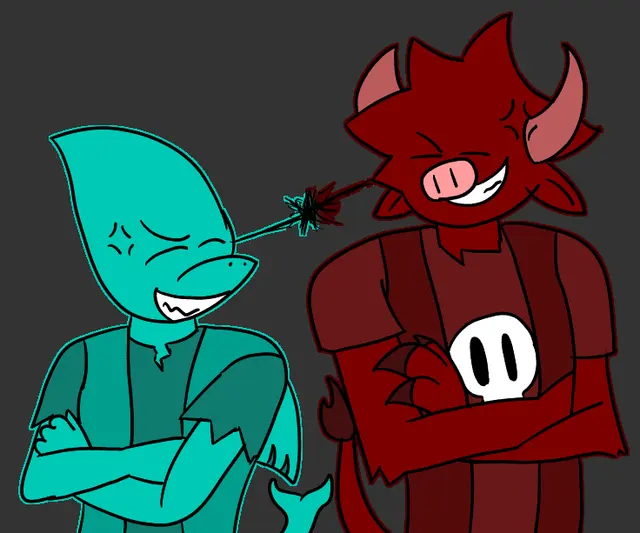
Color land is a work-in-progress browser music mixer built around colorful characters. Assign sound icons to performer positions and combine beat, effect, melody and voice loops into an arrangement. The creator invites suggestions for characters, colors, appearances and instruments while the beta is still being developed.
The public build includes individual mute, solo, removal and volume controls for the mix. A reset button starts a fresh arrangement, and settings provide display and animation options. Its open-ended loop-building format focuses on experimenting with combinations rather than following a documented score challenge.
How to Play
Drag sound icons onto the performer positions to build a mix from beats, effects, melodies and voices. Use the performer controls to mute, solo, remove or adjust a part's volume. Reset to begin another arrangement, or open Settings to adjust the display and animation options.
Controls
Mouse / pointer: drag sound icons to performers
Use each performer's Mute, Solo, Remove and Volume controls
Use Reset and Settings through their on-screen buttons.
Tips & Tricks
Solo a performer to hear its loop before adding it to a busy arrangement. Adjust volume or mute a layer when it overwhelms other parts, and change one sound at a time when comparing mixes.
Features
Colorful character-based loop mixing
Beat, effect, melody and voice parts
Drag-and-drop sound assignment
Mute, solo, remove and volume controls
Reset and display / animation settings
Work-in-progress beta
 PlayBloo