 PlayBloo
Hosting and joining
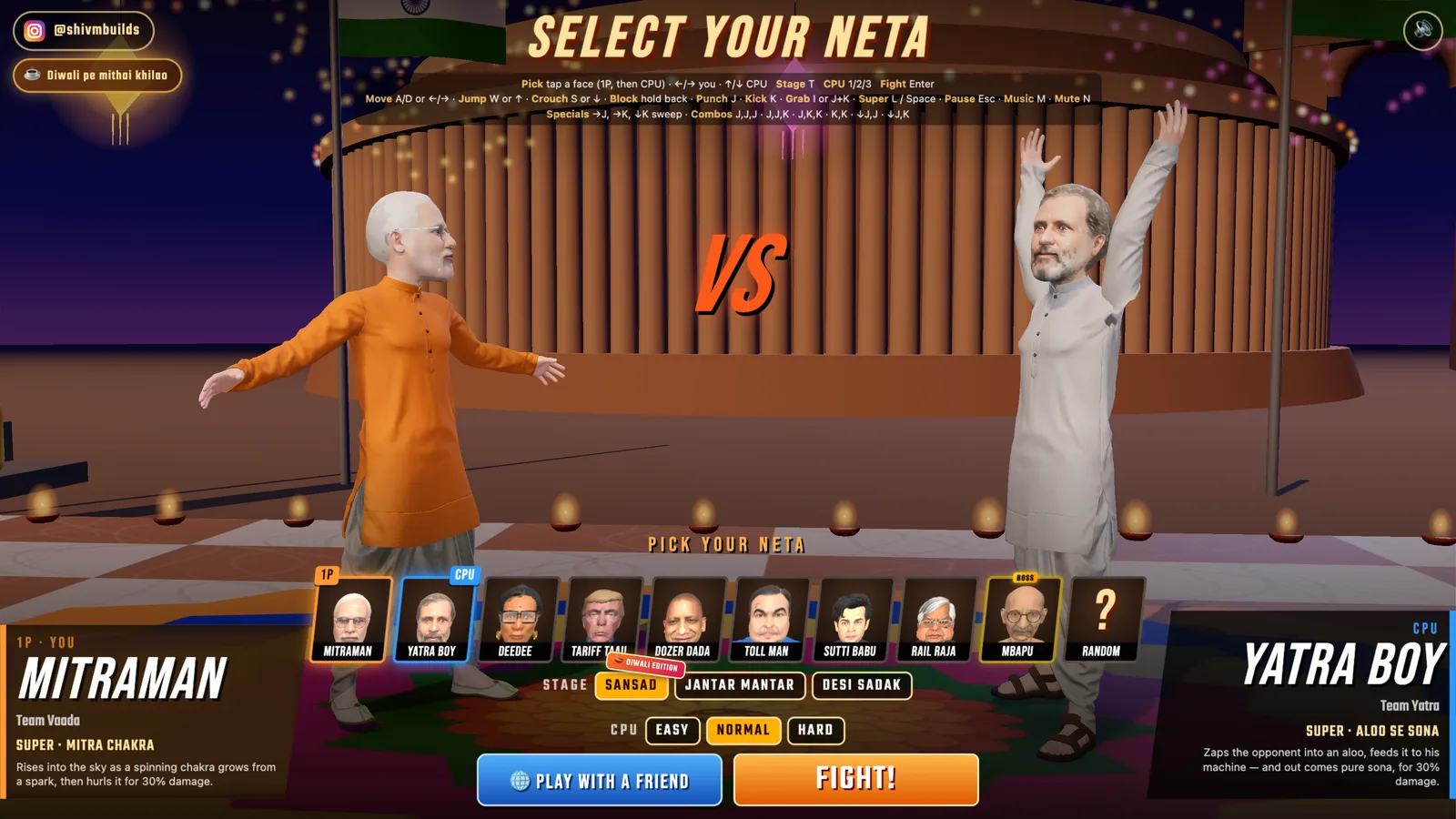
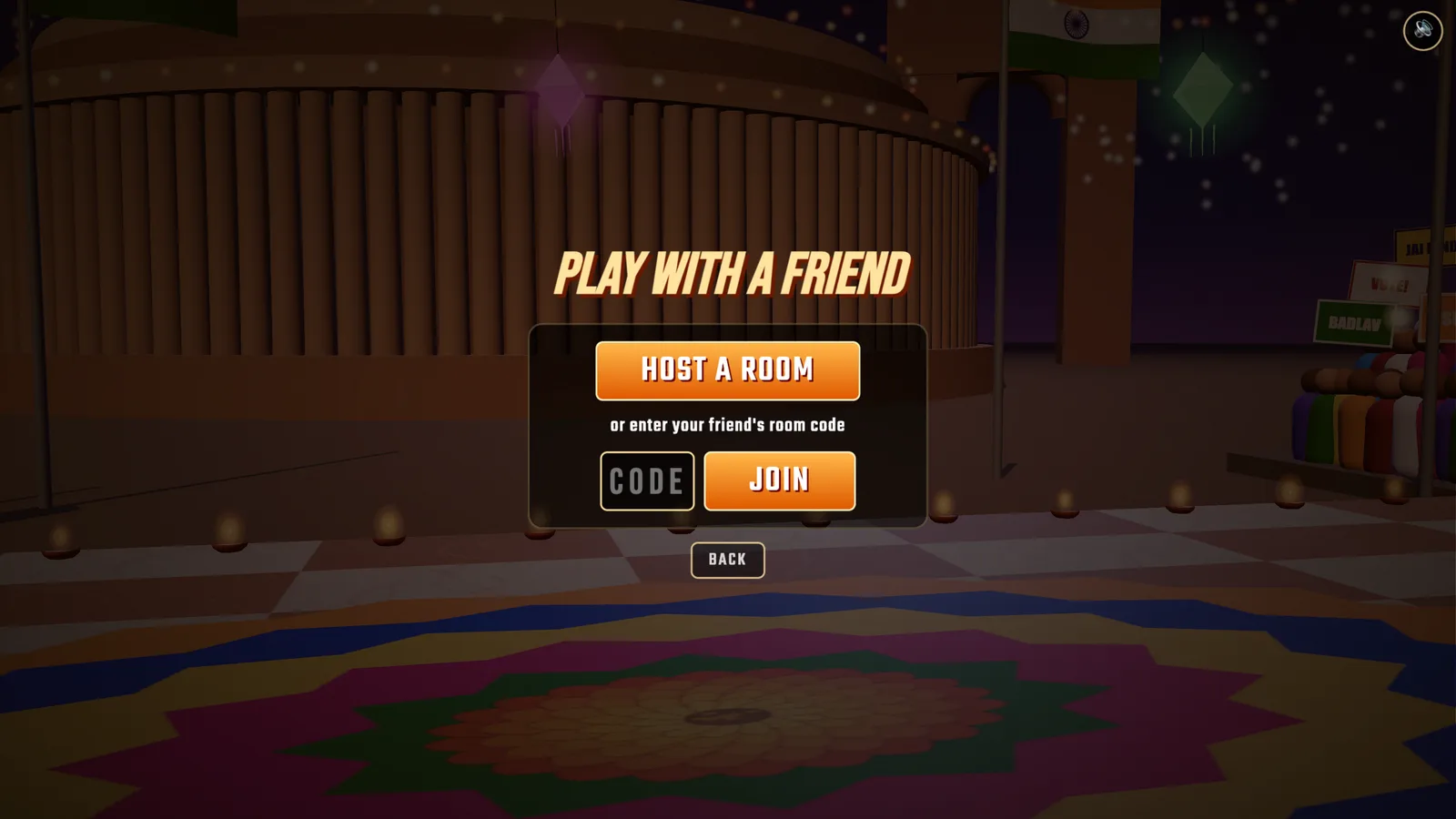
From the fighter select screen, ‘PLAY WITH A FRIEND’ opens the room menu. The host picks ‘HOST A ROOM’ and gets a room code to share; the friend types that code into the box and hits ‘JOIN’. After the handshake you land in the same fight flow as a CPU match — same stages, same roster, same supers.
Both players need the site open in a browser; there is nothing to download and no account to create.
Why friend rooms need the official site
The room system is not cosmetic: fighters sync through a WebRTC peer connection whose setup (room codes, signaling and relay credentials) is handled by the official servers. That is why there is no offline or download version of Fight Karo, and why copies of the game files would lose the multiplayer entirely.
It is also why portals like PlayBloo link to the official site instead of embedding it — the developer’s embed allowlist only permits their own domains, and the multiplayer backend only exists there. Bookmark fightkaro.com; that is the whole platform.
Practical tips
- Share the room code exactly as shown — it is the only thing your friend needs to join.
- If a join stalls, both players refreshing the page and re-hosting is faster than troubleshooting the code.
- The host sets the stage and fighters before the fight, so agree on the matchup first.