About Pet the Cat
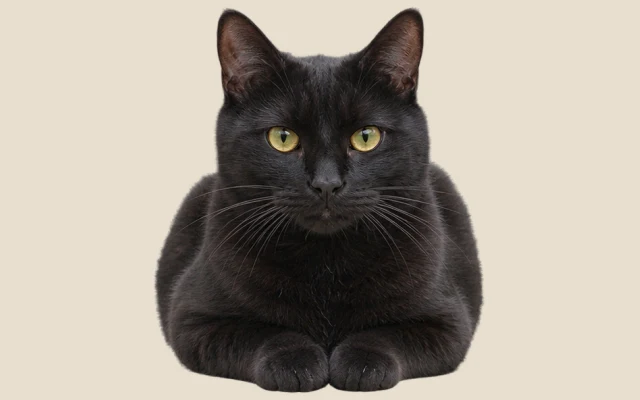
Pet the Cat is a free browser game by PlayBloo. The game opens in Afternoon Cat Club with Sesame, a black cat, stretched out in front of you. Glide the hand over Sesame’s head and watch the cat lean into your fingers. Run it down the back and the fur settles under your hand, then slowly lifts again.
The strip below the scene introduces seven more companions, including Cotton the Ragdoll, Pinecone the Maine Coon and Marmalade the orange tabby. Pick Face to face for a closer look at the cat’s expression, or stay in Overhead to stroke its back and play with its tail. You can spend the whole visit with one cat and leave whenever you like.
How to Play
Start with Sesame or choose a companion by name beneath the scene. In Overhead, move slowly across the head and back. To guide the tail, press near its tip, draw it gently to one side, then release. Switch to Face to face and stroke the head to see the reaction up close.
Controls
- Mouse or touch: Glide over the head or back. Press and drag to guide the tail in Overhead.
- H, B and T: Try a head, back or tail stroke. The Head, Back and Tail buttons perform the same actions.
- Select Overhead or Face to face to change the view. Use Sound off to enable audio and Night mode to change the lighting.
Tips & Tricks
- Try a single back stroke and lift your hand. Watch the fur rise again before making the next pass.
- To hear the cat, enable sound and keep stroking gently.
- If you are looking at the cat face to face, switch back to Overhead to reach its back or tail.
Features
- Eight named companions, from Chestnut the American Shorthair to Frosting the Persian
- Overhead and face-to-face views
- Day and night lighting, with optional recorded purrs and trills
- Mouse, touch and keyboard petting controls
 PlayBloo